Unblur Image Online – Professional AI Image Enhancer
Instantly unblur images. Our AI-powered image enhancer enhances details, restores textures, and sharpens every pixel — perfect for portraits, artworks, and product photos.
Upload Photo
Click to upload
or drag and drop
PNG, JPG, WebP - Max 10MB
Original Photo
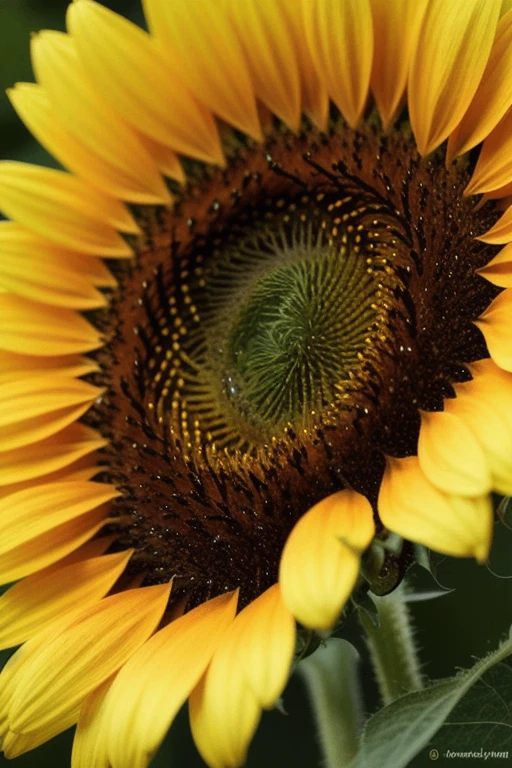
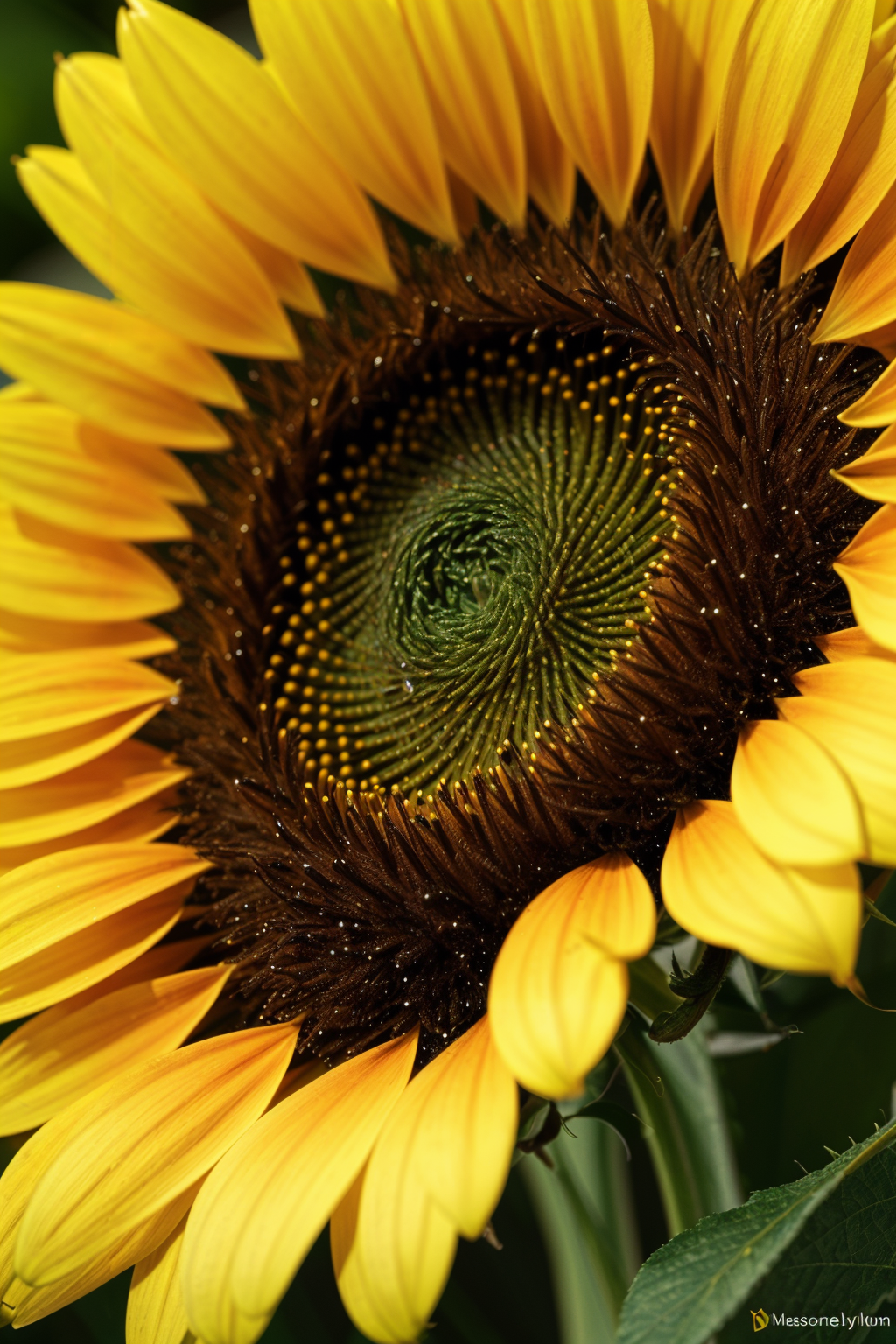
Unblured Photo

Need Blur Backgrounds?
After upscaling, you can also apply AI Background Blur for portrait-style effects.
Why Unblur Images Online with Our AI Unblur Tool
Blurry photos happen — whether it's a once-in-a-lifetime moment taken in motion, a screenshot that turned out fuzzy, or an old photo that lost clarity over time.
Instead of deleting it or spending hours trying to fix it manually, you can use our AI Unblur Image tool to bring it back to life in seconds.
Revive precious memories
Unblur old or sentimental photos that have faded or lost definition.
Fix portraits and selfies
Sharpen faces and eyes to make every photo look naturally crisp and clear.
Clarify text and screenshots
Perfect for improving readability of blurred screenshots, scanned documents, or presentation slides.
Polish AI-generated images
Make your AI creations sharper, cleaner, and ready to share.
Enhance product photos
Fix slight motion blur or focus issues to create professional-looking e-commerce images.

Original Photo
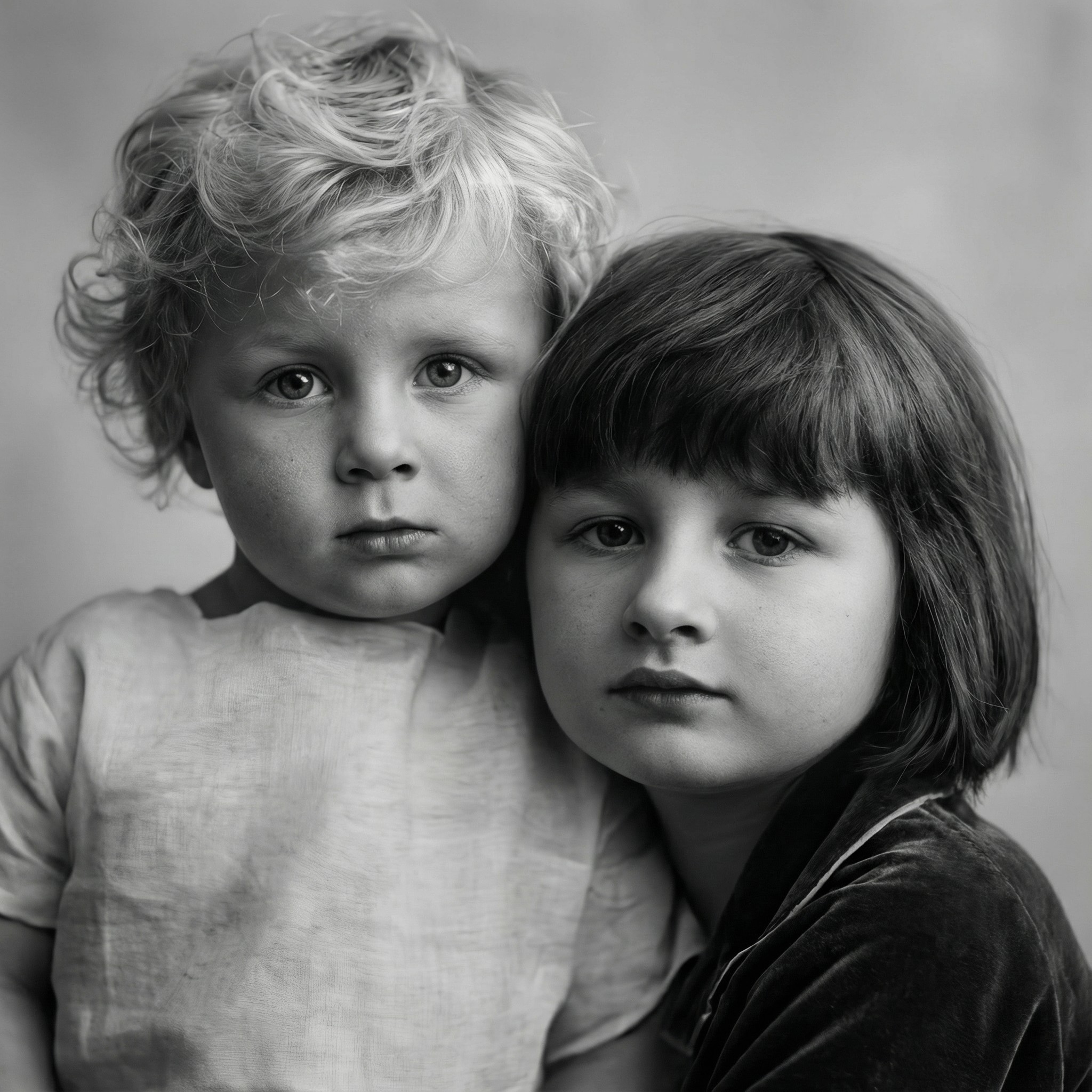
Unblured Photo
Our AI-powered image unblurring technology detects out-of-focus areas, motion blur, and pixel softness, then restores edges and fine textures automatically — all without making the photo look artificial.
With the AI Unblur Image tool, every photo gets a second chance — no Photoshop skills required, just instant clarity with one click.
What Is an Unblur Image Tool — and What Can It Do for You?
Our Unblur Image Tool is a next-generation AI solution that helps you remove blur and restore sharpness up to crystal-clear quality. Unlike simple sharpening filters, our technology doesn't just enhance edges — it analyzes and reconstructs image details intelligently using deep learning models trained on millions of photos.
With ImgExtender's AI Unblur Tool, you can:
Whether you are a photographer restoring old memories, a professional fixing client photos, or someone wanting to salvage precious moments, this unblur tool gives your images the sharpness and clarity they deserve — right in your browser.
Key Features
AI Deblurring
Our unblur tool uses advanced AI to remove motion blur and out-of-focus areas while preserving natural image quality.
Face & Detail Enhancement
Intelligent algorithms sharpen eyes, restore facial features, and clarify textures in portraits and detailed images.
Noise Reduction
Advanced algorithms clean up grainy or low-quality images for clear, professional-looking visuals.
Smart Restoration
Automatically fix common blurring artifacts and restore natural appearance without artificial sharpness.
How to Unblur Images Online - Step by Step Guide
Upload Your Image
Click the Upload Photo button or drag and drop your blurry image into our unblur tool. We support all popular formats including JPG, PNG, and WebP. Our AI unblur tool can handle high-resolution images up to 10MB, making it perfect for professional photography and detailed graphics. The tool automatically detects your image and prepares it for AI enhancement.
Process with AI
Click Unblur to let our advanced AI algorithms work their magic. The unblur tool uses deep learning models trained on millions of images to intelligently remove blur, restore details, and enhance clarity. Watch as the AI processes your image with a live progress indicator, applying sophisticated neural networks to reconstruct missing details and restore sharpness.
Download Clear Image
Preview the before-and-after comparison to see the remarkable clarity improvement. Download your unblurred image in your preferred format - PNG for maximum quality, JPG for smaller file sizes, or WebP for modern web use. The AI unblur tool processes your image instantly while maintaining professional quality standards. Perfect for printing, social media, or any high-resolution application.
Frequently Asked Questions - AI Unblur Tool
QIs the unblur process truly effective?
Yes. Our AI unblur tool reconstructs details intelligently rather than simply sharpening, meaning the final result often looks clearer and more detailed than the original. The unblur process uses advanced neural networks to intelligently restore missing information while maintaining natural appearance.
QCan it restore low-quality or old photos?
Absolutely. You can unblur images from low-quality sources like old scans, compressed files, or vintage photos and achieve visibly improved results. Our AI unblur tool is specifically trained to handle challenging blurry inputs and restore lost detail while maintaining natural appearance.
QWhat image formats does the unblur tool support?
Our AI unblur tool supports all major image formats including JPG, PNG, and WebP. For input, we handle high-resolution images up to 10MB, making it suitable for professional photography and detailed graphics. For output, you can choose between PNG for maximum quality preservation, JPG for smaller file sizes, or WebP for modern web optimization.
QAre my photos stored or shared after unblurring?
Yes, we securely store your processed unblur images in your personal workspace where only you can see them. Your privacy is our top priority - we never share your images or personal data with anyone. Your images remain completely private until you choose to share or download them yourself. The unblur process happens in our secure environment, and all your works are safely stored in your account for future access.
QIs there a file size limit?
Our AI unblur tool supports large images, though processing time may vary based on resolution and blur complexity. The tool can handle high-resolution images up to 10MB, making it suitable for professional photography and detailed graphics. For best results, we recommend using images with moderate to high initial quality.